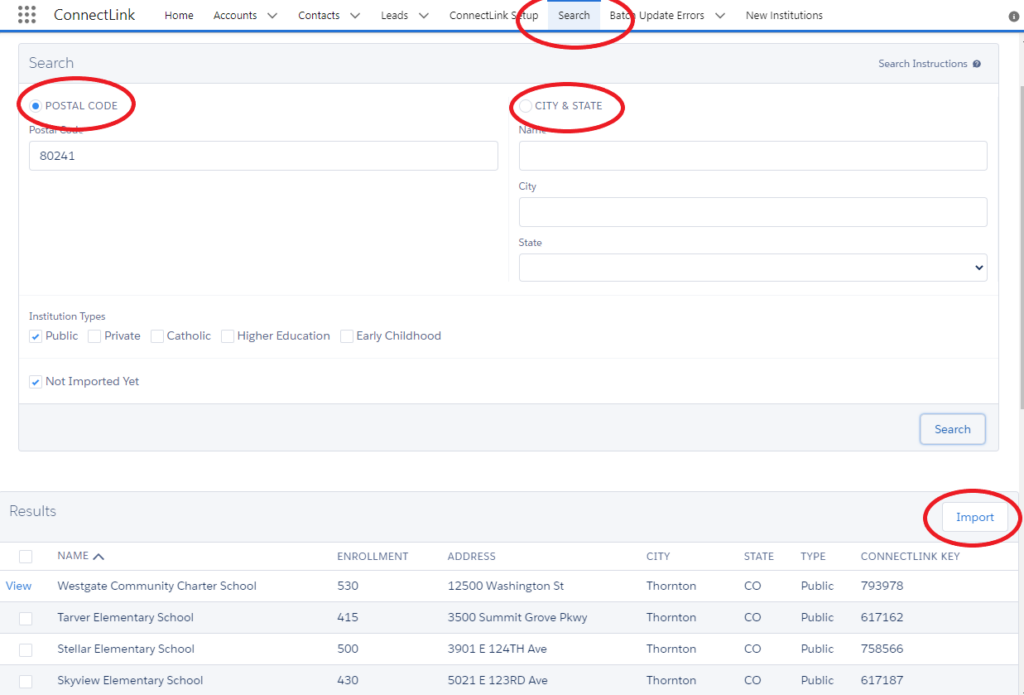
ConnectLink does not automatically create accounts when running bulk updates. You can create individual institutions using the Search tab:
Search tab: This is a way for users to import institutions on a one-off basis by searching for them with either the zip code, city/state, or name/state.
Note: If the ConnectLink Key of the institution already exists in your Salesforce org, a View link displays instead of a checkbox. You can use this to view the existing record. Duplicates will not be created even if they are listed.