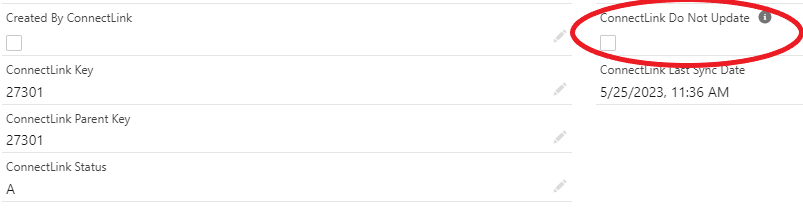
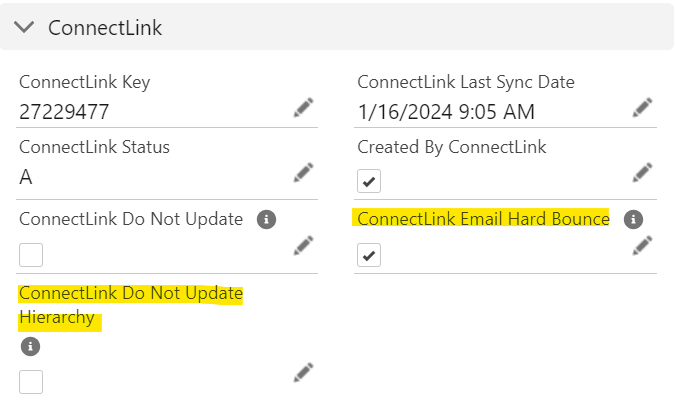
There is a field called “ConnectLink Do Not Update” – when it is checked it will keep that record from being updated by batch processes.
There is a field called “ConnectLink Do Not Update Hierarchy” – when it is checked it will keep that record’s hierarchy from being updated by batch processes.
The processes that ignore Accounts/Contacts with this field set to true are:
Account hierarchy batch.
Contact hierarchy batch.
Bulk Update/Bulk Update All
Accounts when “Sync Entire District” (from the sync modal) is selected.
Contacts when “Sync Personnel” is selected from the account ConnectLink Sync page.
Note: The ConnectLink Status and ConnectLink Last Sync Date will update even if the Do Not Update box is checked.
Note: Selecting Do Not Update on a district record does not freeze the entire district.